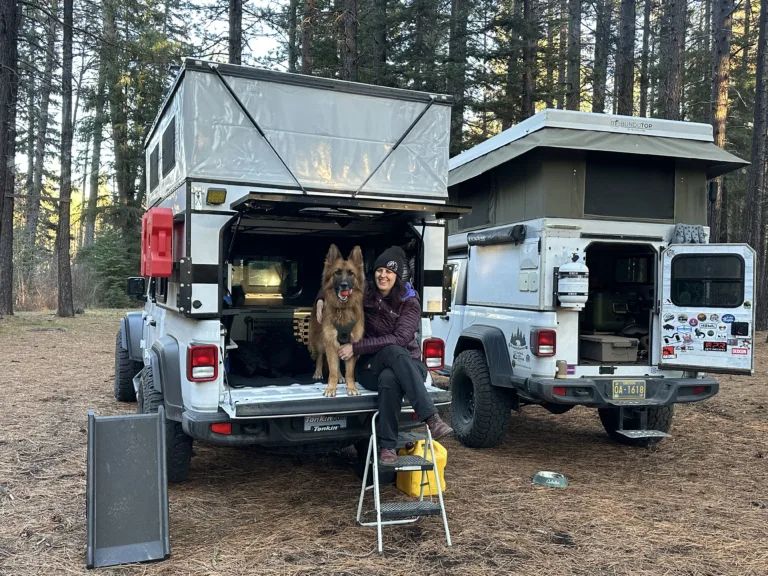

Working 9-5 From My Jeep: My Full-Time Remote Work Setup on the Road
I am often asked how I manage to hold down a full-time 9-5 while living on the road in my Jeep. So I figured I’d break down exactly how I make it work – the gear, the setup, and everything in between.
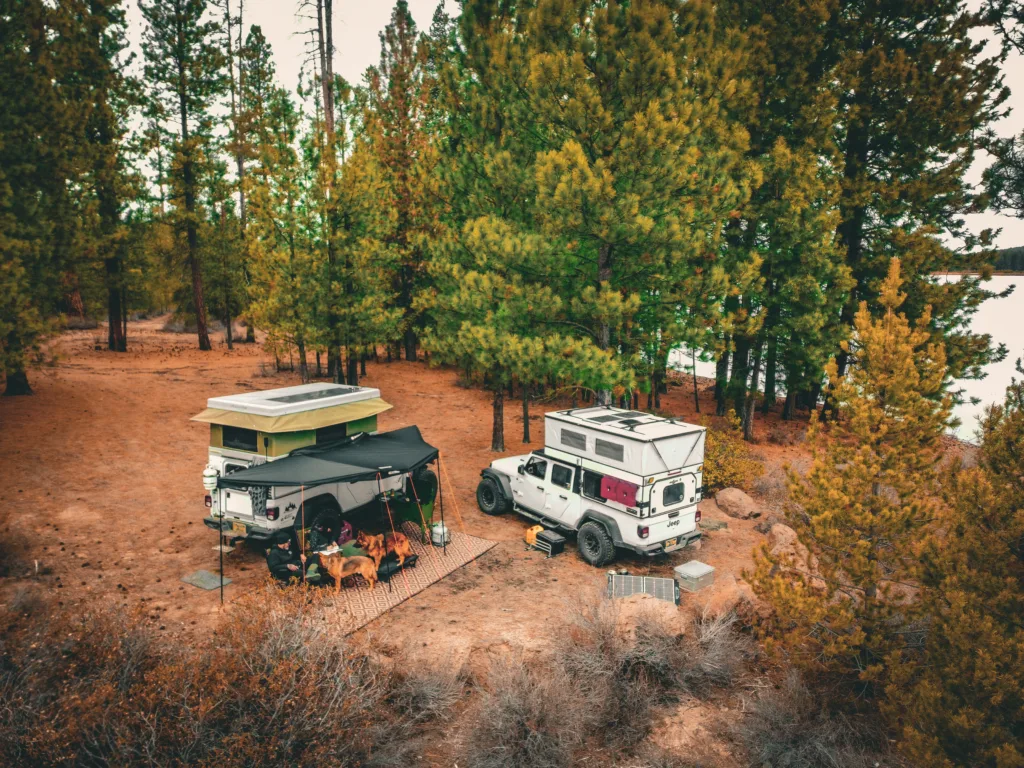
First Things First: I Take My Job Seriously
I work full-time remotely as a Project Manager, and I’m not out here trying to be one of those “slacker remote workers.” You’re not going to find a mouse jiggler or any other weird contraptions. I’m fortunate to work with and for people I genuinely respect and admire, and that means showing up and doing the job right – even when my office happens to have a rotating view of mountains, deserts, or forests depending on the week.
The Rig: Four Wheel Campers Project M
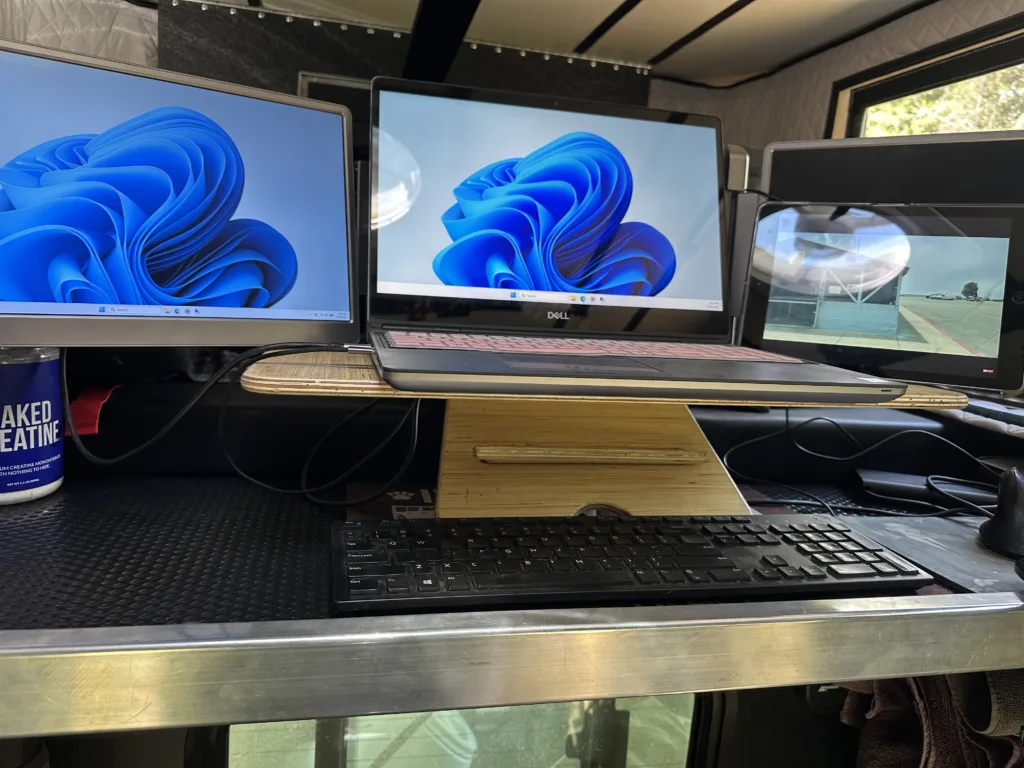
My home base is a Four Wheel Campers Project M. It’s compact, but it’s enough. I pull out a section of my bed platform just enough to use as a standing desk during work hours. This is a simple hack that transforms my sleeping space into a functional office in minutes.
My Desk Setup
- Adjustable laptop stand — I found mine on Etsy. Being able to dial in the perfect height makes a huge difference for comfort during long work days.
- Triple monitor setup — Non-negotiable for me. If you’re doing serious project management work, screen real estate matters, even on the road.
- iPad — Purely for music. It’s playing basically all day, every day while I work.
- Vestil Desk Chair — If I get tired of standing, this chair works great. It’s pretty light, adjustable, and portable. And surprisingly comfortable.

The DZVW 15.6-inch laptop screen extender is a portable dual-display solution designed for people who work on the go. It connects via USB-C or HDMI with a simple plug-and-play setup, giving you extra screen space for multitasking without carrying a full-size monitor. Its slim, travel-friendly design, Full HD IPS display, and broad compatibility make it a practical companion for remote workers who want a more productive workspace from hotels, coffee shops, airports, or anywhere the road takes you.
Power: Keeping Everything Running
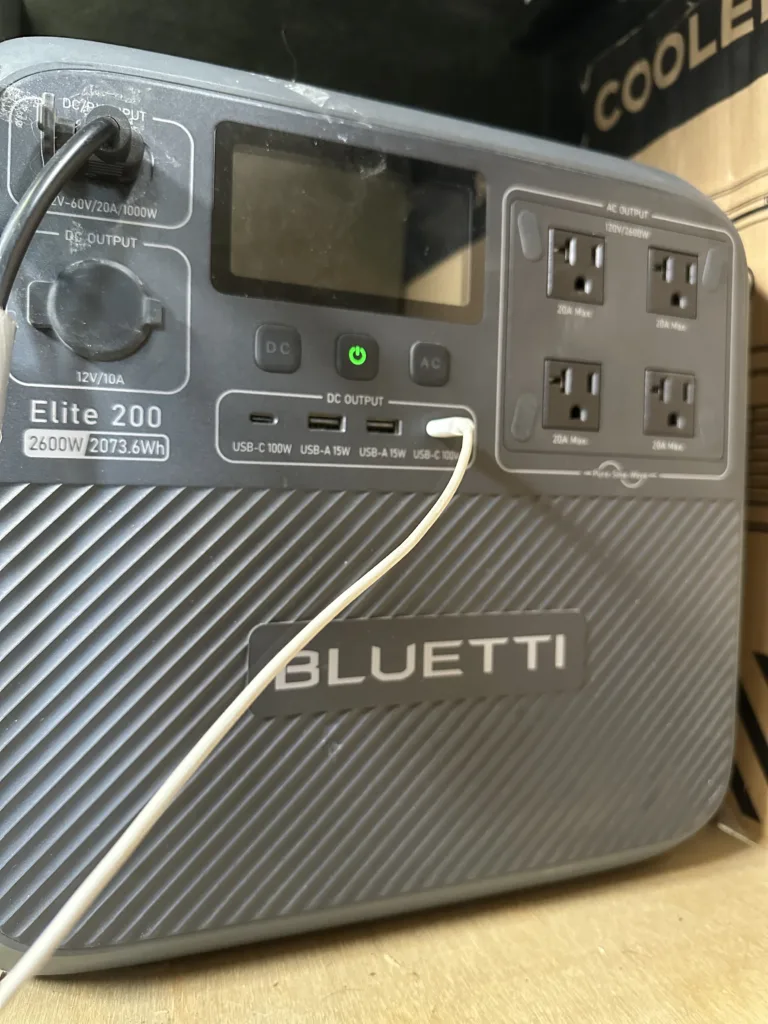
This is where things get interesting, because power management is the biggest challenge of working remotely from a vehicle.
- Bluetti power station — This runs my laptop directly.
- House battery (came standard with the Project M) — Powers my Starlink, cameras, personal laptop, and other essentials.
- 160-watt solar panel on the roof — Keeps the house battery topped off.
- 240-watt Amazon solar panel — Works surprisingly well and keeps the Bluetti charged.
- Harbor Freight PREDATOR 2500 generator — My winter backup. On cloudy, rainy, or short daylight days when solar just isn’t cutting it, this keeps everything running. It’s a pain to haul around, but it means I can work through winter without interruption.


Internet: The Make-or-Break Factor
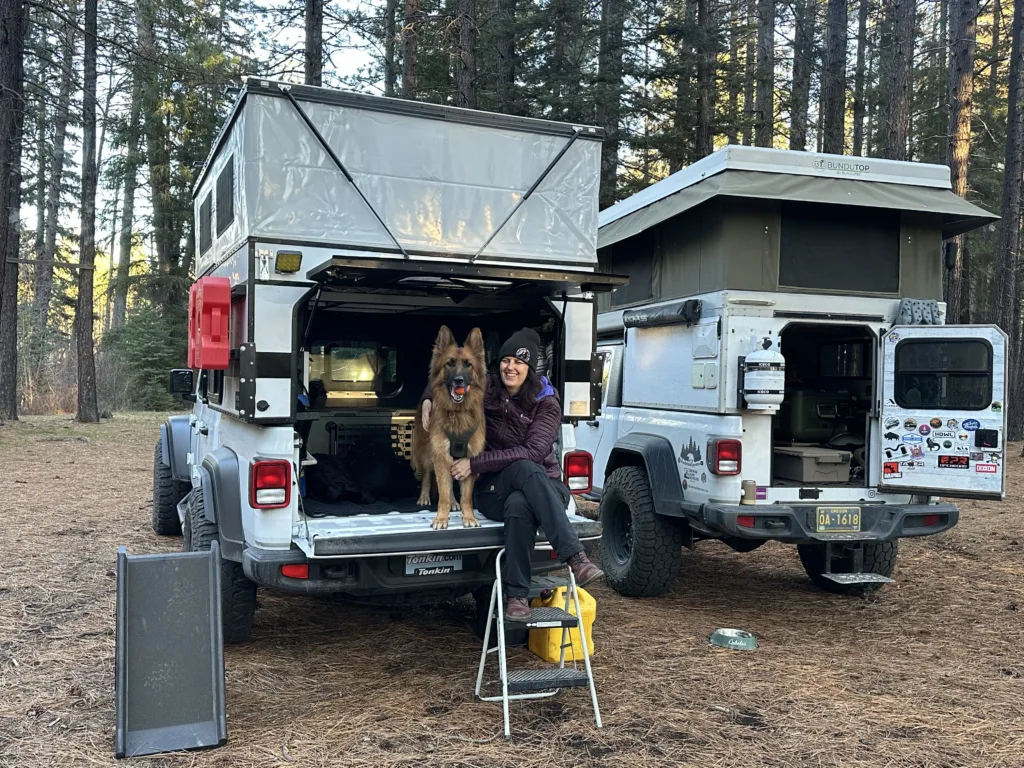
I started with a Starlink Mini, but it just didn’t cut it. Any bad weather or tree cover, and it would drop constantly – which obviously isn’t an option when you have a job to do. I upgraded to the full-size Starlink, and it’s been flawless ever since. If you’re serious about working remotely full-time, I’d say don’t cheap out on connectivity.
From my Dog Instagram for additional images, etc.
Winter Setup
Not pictured in most of my posts, but crucial: a cheap Amazon diesel heater that runs off the house battery. It’s been a game-changer for staying comfortable (and functional) during the colder months.

Security
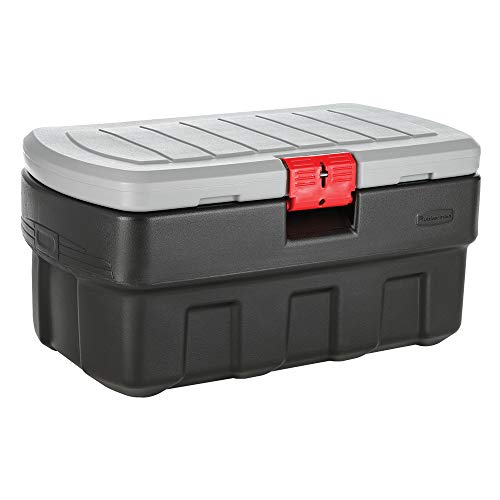
Also not something I usually show, but I have a lockable box bolted into the camper where I keep my laptops, cameras, and other valuables secured whenever I’m away from the Jeep or out exploring.
It Took Time, But It’s Dialed In
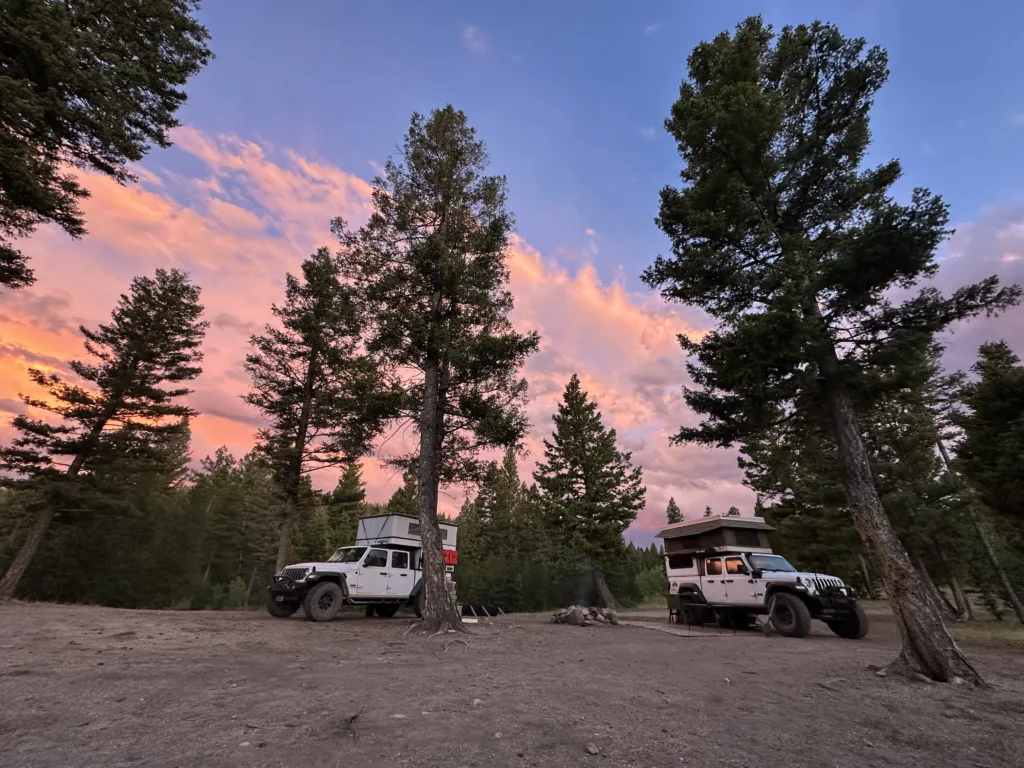
It took a while to figure all of this out through trial and error. But at this point, I’ve got a setup that’s comfortable, reliable, and lets me get real work done, all while getting a brand new view out my window every week.
If you have questions about any part of this setup, feel free to ask. Happy to help however I can!