
Free Hiking Apps: Unlock Nature’s Secrets on a Budget!
Getting outside for a hike is one of my favorite ways to disconnect from daily stress and reconnect with nature. But finding trails, staying on route, and knowing what to expect can feel overwhelming without the right tools. That’s where technology comes in handy.

Free hiking apps give you access to trail maps, GPS navigation, and community reviews without spending a dime. I’ve tested many options over the years, and I’m always amazed at how much functionality you can get without paying for premium features. Whether you’re looking for local day hikes or planning a backpacking trip, there’s a free app that fits your needs.
In this guide, I’ll walk you through the top free hiking apps available right now. I’ll also share practical tips for making the most of these tools on the trail. My goal is to help you find an app that keeps you safe, confident, and excited to explore new places.
1) AllTrails Free Version
I’ve been using the AllTrails free version for years, and it’s impressive how much you get without paying a dime. The app gives me access to over 500,000 trails worldwide for hiking, biking, and running.
What I love most is how easy it is to find trails near me. I can filter by difficulty, length, and activity type. The trail reviews and photos from other hikers help me decide if a trail is right for my skill level.
I also hike with my dog, and AllTrails lets you filter which trails are dog-friendly.
The free plan lets me view trail maps and get basic information like elevation gain and distance. I can also track my hikes using the GPS feature, which saves my routes and stats.
The community reviews and inspiration from other trail users make planning so much easier. I always check recent reviews to see current trail conditions before heading out.
For casual hikers like me who explore trails occasionally, the free version offers everything I need to discover new paths and track my adventures.
2) Komoot Free Plan
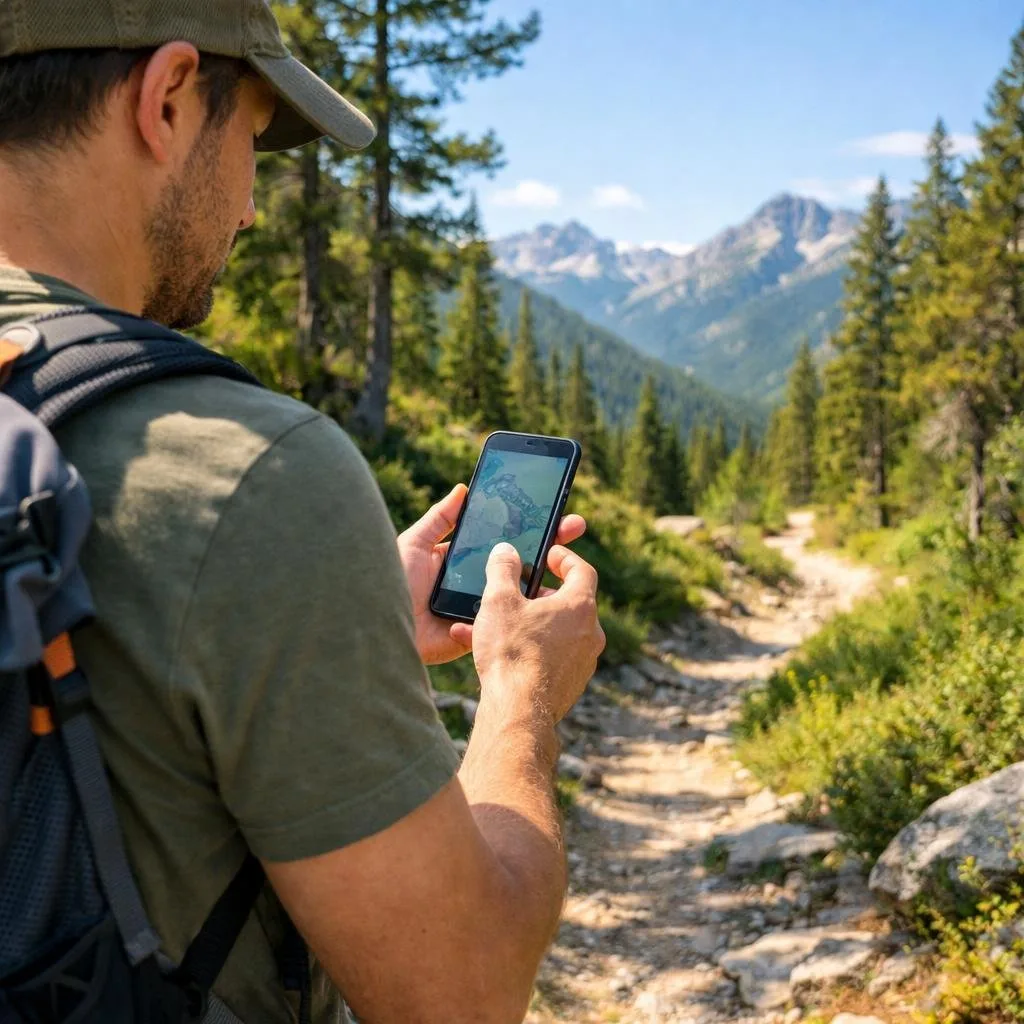
I’ve found that Komoot’s free plan gives me access to one region of my choice, which works well if I stick to hiking in my local area. The outdoor route planner lets me create detailed routes for hiking, biking, and running without paying anything.
What I really appreciate is how my plans sync automatically across all my devices. Whether I’m planning a route on my desktop or checking it on my phone at the trailhead, everything stays updated.
The free version includes turn-by-turn voice navigation, which has saved me from getting lost more times than I’d like to admit. I can also see routes that other hikers have shared, giving me fresh ideas for weekend adventures.
The catch is that one region limitation. If you want to explore trails in multiple areas, you’ll need to upgrade. But for getting started with digital trail navigation, the free plan has everything you need to discover new paths near home.
The app works on both Android and iOS devices, making it accessible regardless of what phone you have.
3) Gaia GPS Free Tier

Gaia GPS offers a solid free version that covers the basics for casual hikers. The free tier gives you access to OpenStreetMap-based Gaia Topo maps, which work well for planning most local adventures.
What I really appreciate is the ability to record GPS tracks and plan trips without paying anything. This free outdoor app lets you download maps for offline use, though the selection is more limited than the paid version.
The interface is straightforward enough that you don’t need a tutorial to get started. You can browse hiking trails, mark waypoints, and track your distance and elevation gain. It’s worth noting that while the free plan works great for basic navigation, it doesn’t include all the premium map layers like satellite imagery or specialized topographic maps.
For beginners or occasional hikers, I think the free tier provides plenty of value. The essential navigation tools help you stay on track without cluttering your phone with features you don’t need yet.
5) MapMyHike Basic
I’ve used MapMyHike Basic on several trails, and I appreciate how straightforward it is. The app tracks distance, time, and elevation without any complicated setup.
The GPS tracking works well even in the deep woods. You can see your route on a map as you hike, which helps stay oriented. The basic version gives you all the essential data you need without requiring a paid subscription.
What I really like is how the app saves my hiking activities in a simple log format. I can look back at past hikes and see how far I’ve come. The interface is clean and easy to navigate.
The free version does show some ads, but they’re not too intrusive. You also get basic stats like pace and calories burned, which is nice to have. MapMyHike is recommended for beginners since it doesn’t overwhelm you with features you might not use.
If you want simple tracking without bells and whistles, this app gets the job done.
6) Outdooractive Free Access

I’ve found Outdooractive to be one of the most comprehensive hiking and biking apps available, and the free version offers more features than I initially expected. The app helps you discover officially approved routes for hiking, mountain biking, trail running, and even ski touring.
What I really appreciate is the free route planning tool. I can map out my adventures ahead of time and save routes for later use. The app works on Android devices, tablets, and Wear OS, which gives you flexibility in how you access your trail information.
The free version includes access to thousands of trails worldwide. You can browse detailed trail descriptions, see elevation profiles, and read reviews from other hikers who’ve completed the routes. This helps you choose trails that match your fitness level and experience.
One practical tip: Download the app before your trip and explore nearby trails while you still have cell service. The free version does have some limitations compared to the premium subscription, but I’ve found it perfectly adequate for casual weekend hikes and planning most outdoor adventures.
7) Hiking Project
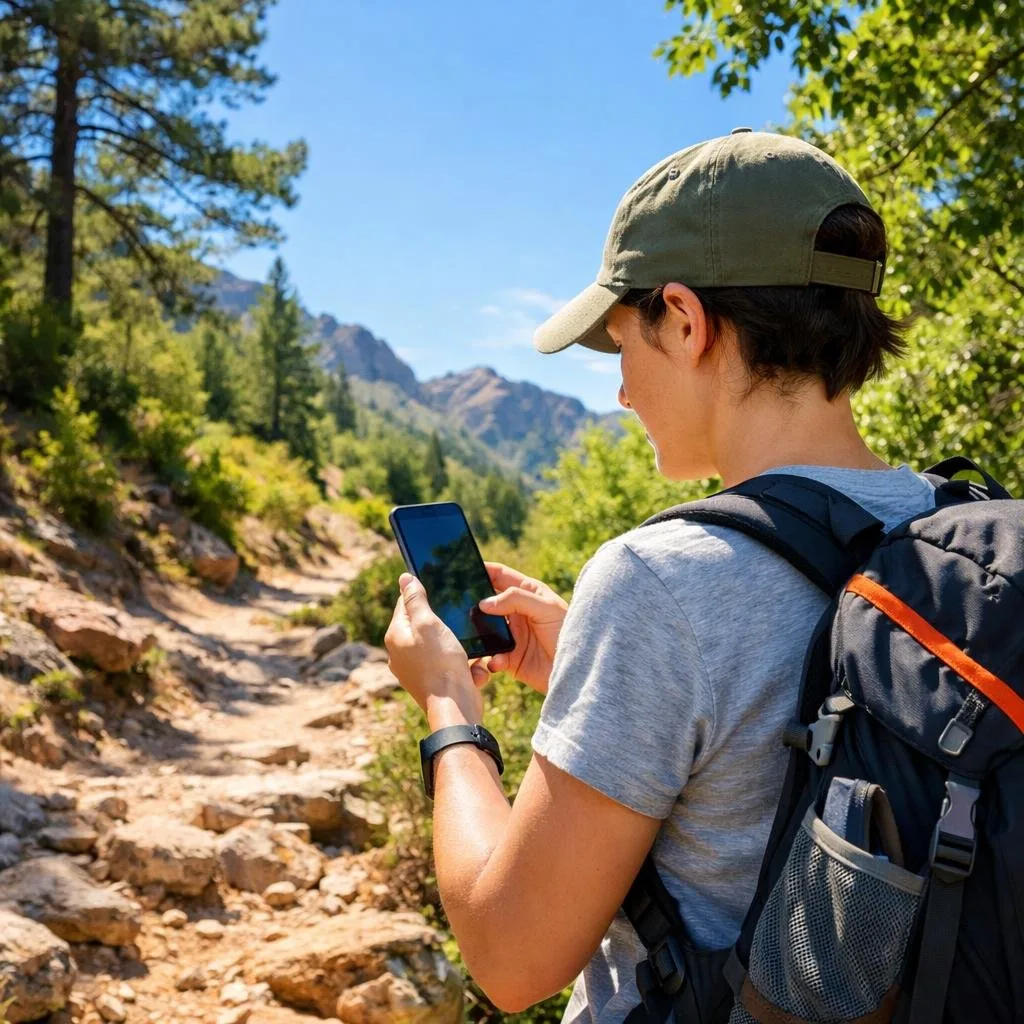
I’ve found Hiking Project to be one of the most reliable free options out there. The app gives detailed trail maps, GPS route information, and elevation profiles without charging a penny.
What I really appreciate is that Hiking Project works without cell signal and is completely free. This means you can download maps before heading out and navigate confidently even in remote areas. No surprise paywalls miles from the trailhead.
The app includes photos from other hikers, which helps you know what to expect on the trail. You can see trail conditions, difficulty ratings, and detailed descriptions before committing to a hike.
Hiking Project offers interactive features that make planning easier. You can save favorite trails and track your progress as you explore new areas.
The interface reminds me of a traditional guidebook but with the convenience of digital maps. It’s available for both iPhone and Android, so most hikers can use it regardless of their device.
8) Cairn Free Mode

I’ve found Cairn to be a solid companion on hiking adventures, especially since it offers useful features without requiring a paid subscription. The free hiking safety app lets you share your trip plans with family and friends so they know where you’re headed.
What I really appreciate is the ability to download maps for offline use. This means you can navigate even when you’re deep in the wilderness without cell service. The app also helps you find spots where you can get cell coverage, which is incredibly helpful when you need to check in or handle an emergency.
Cairn tracks your route as you hike and provides stats about your adventure. Outside Magazine named it one of the three best map apps for navigating the wilderness, which speaks to its reliability.
The free version covers the basics I need for most hikes. I can plan my route, share my location with loved ones, and access offline maps without paying anything. It’s straightforward to use and focuses safety while exploring the outdoors.
9) TrailLink Free
I’ve found TrailLink to be a solid option when I want to explore new trails without spending money. The app gives access to over 40,000 miles of trail maps across the United States, which is pretty impressive for a free service.
What I appreciate most is that I can download maps for offline use. This comes in handy when I’m hiking in areas with spotty cell service. The app includes trail descriptions, reviews from other hikers, and photos, so I know what to expect before I head out.
TrailLink works on both desktop and mobile, which means you can plan your routes at home and then take the app with you on the trail. The interface might feel a bit dated compared to newer apps, but it gets the job done.
The free version lets you sync your activities across devices, which helps keep track of where you’ve been. While it may not have all the bells and whistles of premium apps, TrailLink delivers what matters most: accurate trail information and reliable maps.
10) Wikiloc Free Account

I’ve found Wikiloc to be one of the most generous free hiking apps available. The free app lets you discover new trails and record your own adventures without paying a cent.
What I really appreciate is that Wikiloc is powered by a community of real adventurers who share authentic routes. You’re not just getting corporate-created content. You’re tapping into the knowledge of millions of hikers worldwide.
With a free account, you can follow your own recorded trails and access all trails shared by Wikiloc ORG accounts. The app even includes free offline maps, which has saved me more than once when cell service disappeared mid-hike.
Wikiloc works for over 80 outdoor activities, not just hiking. I’ve used it for cycling and trail running too. The best part? I can transfer routes to my GPS device easily.
The free version has everything I need for casual hiking. While there’s a premium option available, I’ve never felt pressured to upgrade.
How Free Hiking Apps Enhance Outdoor Adventures
I’ve found that free hiking apps transform ordinary hikes into richer experiences through GPS navigation that works without cell service, detailed tracking of my routes and milestones, and connections with other outdoor enthusiasts who share trail conditions and recommendations.
Real-Time Navigation and Offline Maps
The ability to download maps before I head out has saved me countless times when cell service disappears on remote trails. Most free hiking apps offer offline map downloads that let you navigate even in areas with zero connectivity.
I rely on GPS tracking to show my exact location on the trail. This feature helps me stay on course and prevents me from taking wrong turns at unmarked junctions. The app marks my position with a blue dot that moves as I walk, making it easy to see where I am on the map.
Many apps also include 3D terrain views that help you understand the landscape ahead. You can see elevation changes, identify nearby peaks, and plan rest stops at scenic viewpoints. This feature turns navigation into an educational experience where you learn about the geography around you.
Tracking Your Progress and Achievements
I love seeing detailed statistics after each hike. The apps record my distance, elevation gain, moving time, and average pace automatically. This data helps me set realistic goals and track my fitness improvements over weeks and months.
Key metrics I track include:
- Total miles hiked
- Cumulative elevation climbed
- Number of trails completed
- Personal records for distance and speed
The achievement badges and milestones help keep me motivated to explore new trails. Some apps award virtual rewards when you reach certain distances or complete challenging hikes. These small celebrations make me want to get outside more often.
Connecting With Fellow Hikers
I’ve discovered amazing trails through community recommendations and recent trip reports from other hikers. Free hiking apps create a sense of community by allowing users to share photos, reviews, and current trail conditions.
Reading recent reviews helps me prepare for what I’ll encounter. Other hikers post about muddy sections, fallen trees, or beautiful wildflower blooms. This real-time information is more valuable than any guidebook because it reflects current conditions.
I also appreciate being able to share my own experiences to help future hikers. When I post photos and tips, I’m contributing to a helpful network of outdoor enthusiasts who support each other’s adventures.
Tips for Getting the Most Out of Your Free Hiking App
Downloading a hiking app is just the first step. Getting the most value from these tools requires adjusting settings, staying alert to conditions, and managing your phone’s power on the trail.
Customizing Notifications and Routes
I always start by personalizing my app settings before I head out. Most free hiking apps let you adjust notification preferences so you’re not constantly interrupted by unnecessary alerts.
I recommend turning on waypoint notifications, so you get alerts when you reach key trail junctions or landmarks. This helps you stay on track without constantly checking your phone. I turn off social notifications and app promotions to reduce distractions.
For route customization, I use filters to match trails to my fitness level and available time. I can usually set distance limits, elevation gain preferences, and difficulty ratings. Some apps let me create custom routes by connecting different trail segments, which is perfect when I want to explore new areas or avoid crowded sections.
I also save my favorite routes for quick access later. This makes it easy to repeat trails I love or share recommendations with hiking friends.
Staying Safe With Weather Alerts
I never ignore weather notifications on my hiking app. Many apps now include real-time weather updates and severe weather warnings that can keep you safe.
I set up push notifications for lightning alerts, flash flood warnings, and sudden temperature drops. These alerts have saved me from dangerous situations more than once. I check the hourly forecast before leaving home and again at the trailhead.
Some apps show radar data and storm tracking, which helps you judge whether to start a hike or turn back early. I pay special attention to wind speed predictions when hiking exposed ridgelines or mountain peaks.
Temperature alerts matter too. I’ve received notifications about heat advisories and freeze warnings that helped me pack appropriate gear.
Conserving Battery Life on the Trail
My phone battery drains fast when using GPS and mapping features, so I’ve developed strategies to make it last all day. Downloading offline maps before your hike is the single most important step I take.
Battery-saving tips I use:
- Enable airplane mode after downloading maps
- Reduce screen brightness to 30-40%
- Close background apps before starting
- Turn off Bluetooth and Wi-Fi
- Use battery saver mode
I bring a portable charger on longer hikes, especially when I’m doing 10+ miles. A 10,000mAh power bank typically gives me two full phone charges, which provides peace of mind on all-day adventures.
I also take screenshots of key trail junctions and important route information. This lets me check details without opening the app repeatedly. Some days, I only open my hiking app every 30 minutes to verify I’m on course, which extends battery life significantly.
Frequently Asked Questions
I’ve tested dozens of hiking apps over the years, and I know choosing the right one can feel overwhelming. Most hikers want to know if they can get offline maps, connect with other outdoor lovers, and find trails that match their skill level without paying a monthly fee.
What are the top free hiking apps available for both Android and iPhone?
I’ve found that AllTrails stands out as one of the most popular choices because it works great on both platforms. The free version lets you search for trails by location, difficulty, and length. I can read reviews from other hikers and see photos before I head out. And you can filter by dog-friendly trails, which is a biggie for me.
Komoot is another solid pick that I use regularly on my iPhone and Android devices. It gives me turn-by-turn directions and helps me plan routes based on my fitness level.
Strava is free to join and lets me record activities, share them with friends, and join challenges. I also like that it has safety features like Beacon that help me stay connected while I’m on the trail.
Which free hiking app offers the best offline maps for those out-of-service adventures?
Gaia GPS offers one of the better free offline map options I’ve used. I can download maps before I leave home and access them when my phone has no signal. The free tier gives me basic topo maps that work well for most day hikes.
AllTrails also lets me download maps in the free version, though they’re more limited than the paid subscription. I make sure to download my trail maps while I’m still connected to WiFi at home or in my car.
Are there any hidden gem hiking apps that can serve as great alternatives to popular ones like AllTrails?
ViewRanger became one of my favorite discoveries when I wanted something different from the mainstream apps. It has a strong community of users who share their routes and tips. The interface feels less crowded than AllTrails, which I appreciate when I’m trying to quickly find information.
MapMyHike Basic is another app that doesn’t get enough attention. I like it because it tracks my distance, pace, and elevation without all the extra features that can slow down my phone. It’s simple and straightforward.
Various hiking apps bring their own unique features, so I recommend trying a few to see what feels right for your hiking style.
Could you recommend a hiking app that’s great for beginners and also offers solid trail information?
I always tell new hikers to start with AllTrails because it makes everything easy to understand. Each trail listing shows me exactly what to expect with detailed descriptions, difficulty ratings, and real photos from other hikers. The reviews help me avoid trails that might be too challenging for my current fitness level.
Komoot is another beginner-friendly option I recommend. It plans routes based on my experience level and even suggests trails that match what I’m looking for. The app breaks down the terrain types, so I know if I’ll be walking on gravel, paved paths, or rocky trails.
What do dedicated hikers on Reddit suggest as the most reliable and feature-rich free hiking app?
From my time reading hiking forums and Reddit threads, I’ve noticed that experienced hikers consistently praise AllTrails for its massive trail database. They appreciate that it has reviews from real people who’ve actually walked the trails recently.
Many dedicated hikers also mention Gaia GPS as their go-to choice for serious adventures. They like that it offers professional-grade features in the free version. However, some note that it works best alongside other resources like 14ers.com for more technical mountaineering.
Can I find an app that helps me track my hiking progress and connects me to a community of fellow hikers?
Strava does exactly this and has become my favorite for staying motivated. I can record my hikes, share them with friends, and join clubs with other outdoor enthusiasts. The app shows me my stats over time so I can see how I’m improving.
AllTrails also builds community through trail reviews and photos. I love reading what other hikers experienced on trails I’m considering. I can even follow specific users whose hiking preferences match mine.
MapMyHike Basic connects me to a community of walkers and hikers. I can share my routes, comment on other people’s activities, and find new trail ideas from locals in areas I’m visiting.